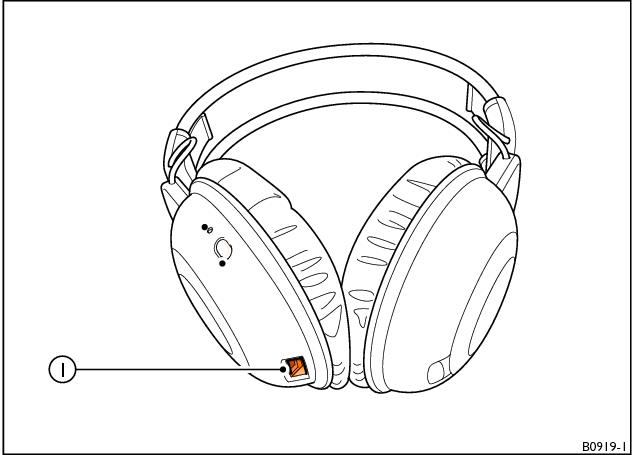
Charging wireless headphones
1 Charging cable connection
When the status display on the wireless headphones repeatedly flashes twice, followed by a longer pause, the batteries require charging.
To charge the wireless headphones, proceed as follows:
1. Plug the charging cable into the connection on the bottom of the left headphone (1).
2. Connect the charging cable to a USB connector on either of the Media loaders.
> 
Note
The wireless headphones will only be charged when the ignition and RSE system are switched on.
Take special care when charging the headphones as they could become hot. |
- Related Topics